For an address change, new years wishes or a change in your tariffs of conditions it can be handy to send multiple relations at once an e-mail.
In Transpas functionality excists with which you can create a list of relations and generate a list of e-mailaddresses.
This can be done in the screen Relation selections.
¶ Relations
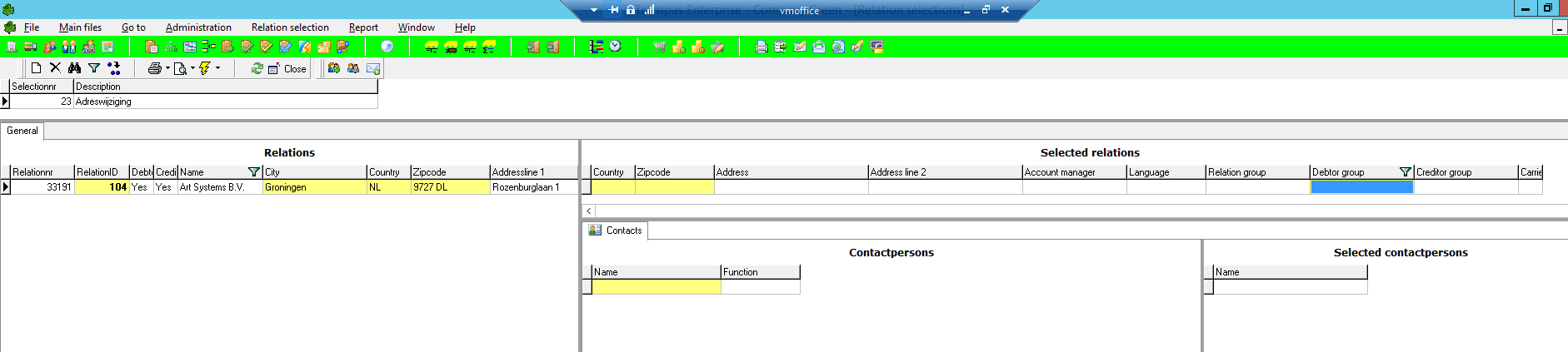
To create a new selection, add a new line in the top left.
In the image above the description Adreswijziging has been filled in.
Under the heading Relations all relations are shown.
This can be loading/unloadingrelations as well as financial relations and subcontractors.
Here a selection can be made with the usual filtering possibilities.
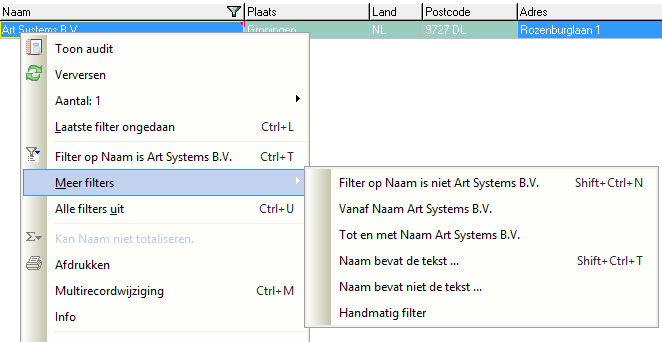
The selected relation can then be dragged to the right, to Selected relations.
¶ Contactpersons
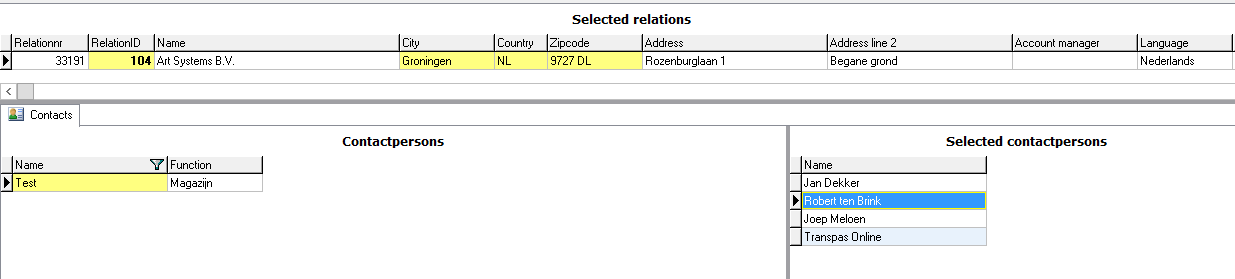
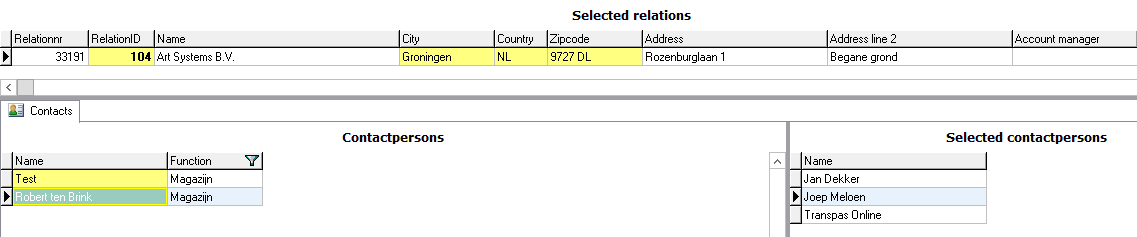
By default all contactpersons of the relations are added to the list.
It is possible to exclude contactpersons by dragging these to the left.
¶ Email addresses
With the envelope-icon at the top of the screen the email addresses of all selected relations and contactpersons are retrieved.
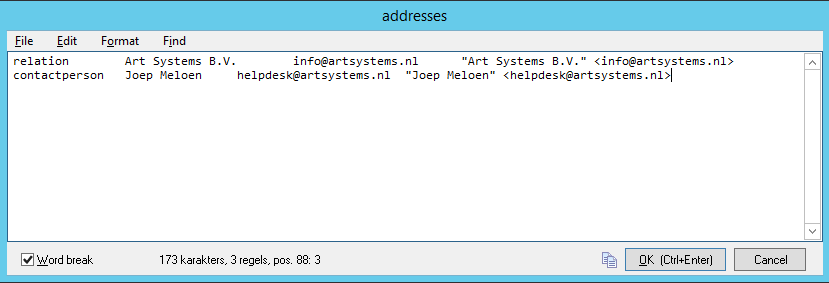
Select everything and copy this to, for instance, Excel.
The fields are then automatically split by Excel.
Selecting all contactpersons is easily done in Excel by filtering on column A

¶ Sending
The list with emailaddresses from column C or D can now be pasted into Outlook and sent.
At the moment there is no functionality within Transpas itself to send this list.